Official downloads
Open the linked Apple App Store or Google Play listing to review the current product information before installing.
Scan receipts, invoices, IDs, and contracts on iOS or Android with automatic edge detection. Extract text with OCR, edit pages, and share clear PDFs from your phone.
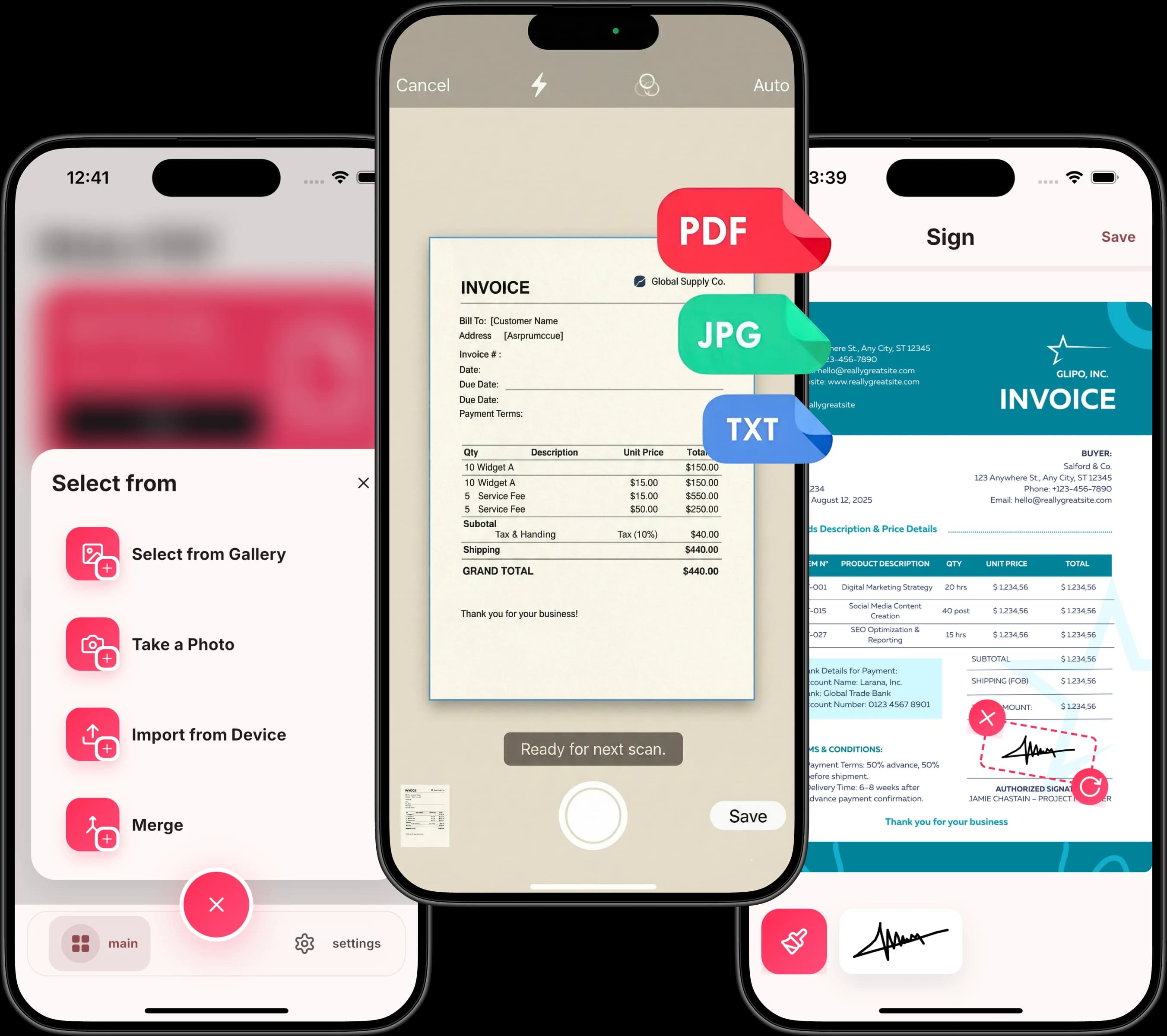
Why Choose PDF Scanner
PDF Scanner ships with the features that make document management faster, easier, and more professional — nothing more, nothing less.
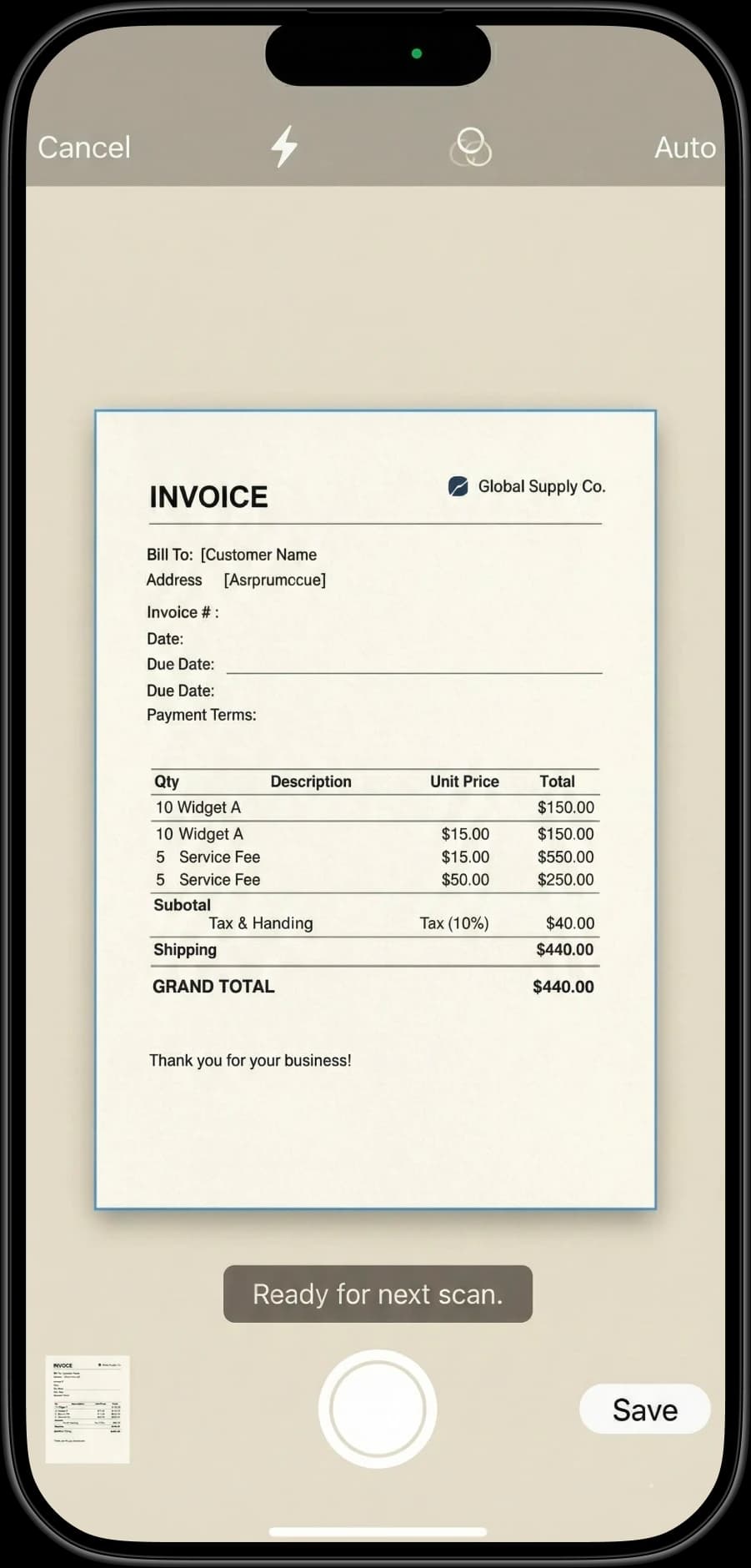
Automatically detects document edges and corrects perspective for professional-quality scans every time. No manual cropping needed.
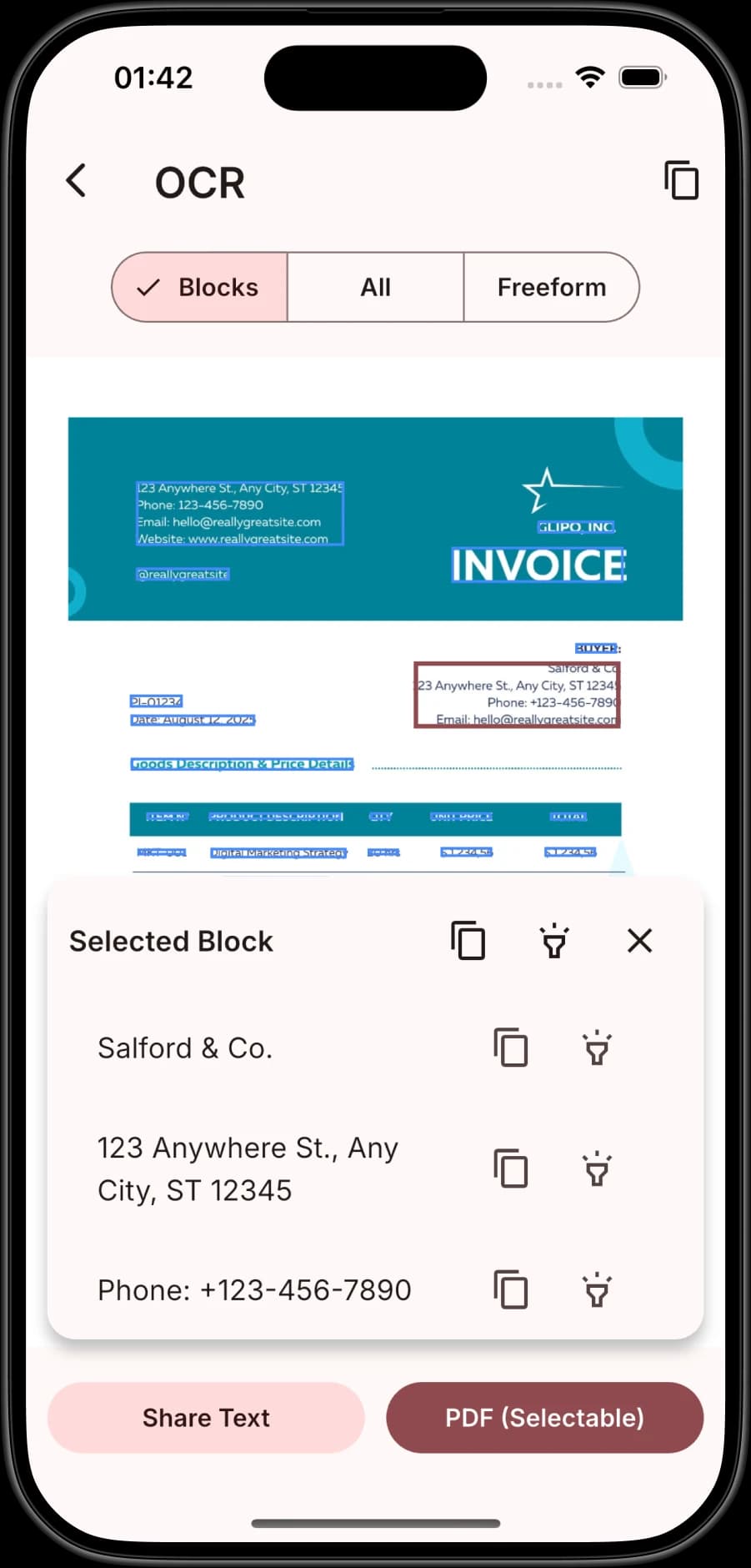
Extract text from scans with multilingual OCR. Copy, search, and export recognized text directly from the app.
Highlight, draw, crop, rotate, and adjust brightness on any scan. Mark important parts and add notes directly in the app.
Combine multiple scans into a single organized PDF or split large documents into separate files. Reorder pages with drag and drop.
Reduce PDF file size while keeping documents readable. Send smaller files through email, messaging apps, or cloud storage.
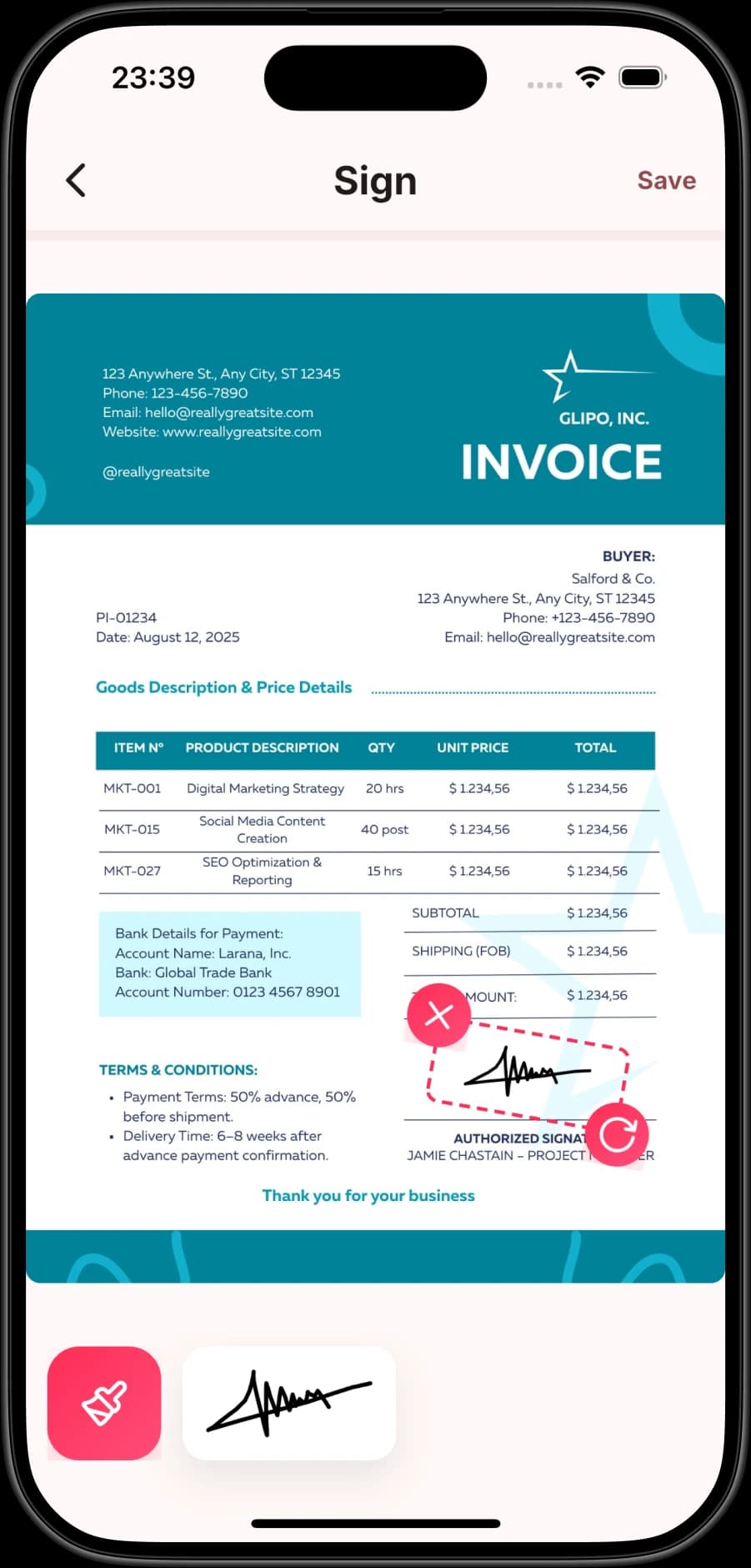
Create your signature, place it precisely on any document, and export a signed PDF ready to send back in minutes.
Export as PDF, JPEG, PNG, or TXT. Share directly via email, cloud drives, or messaging apps — all from within the app.
Create folders, rename files, and search your entire document archive. Find any document in seconds with powerful search.
How It Works
No complicated setup. No learning curve. Download PDF Scanner, open the camera, and start scanning professional documents in seconds.
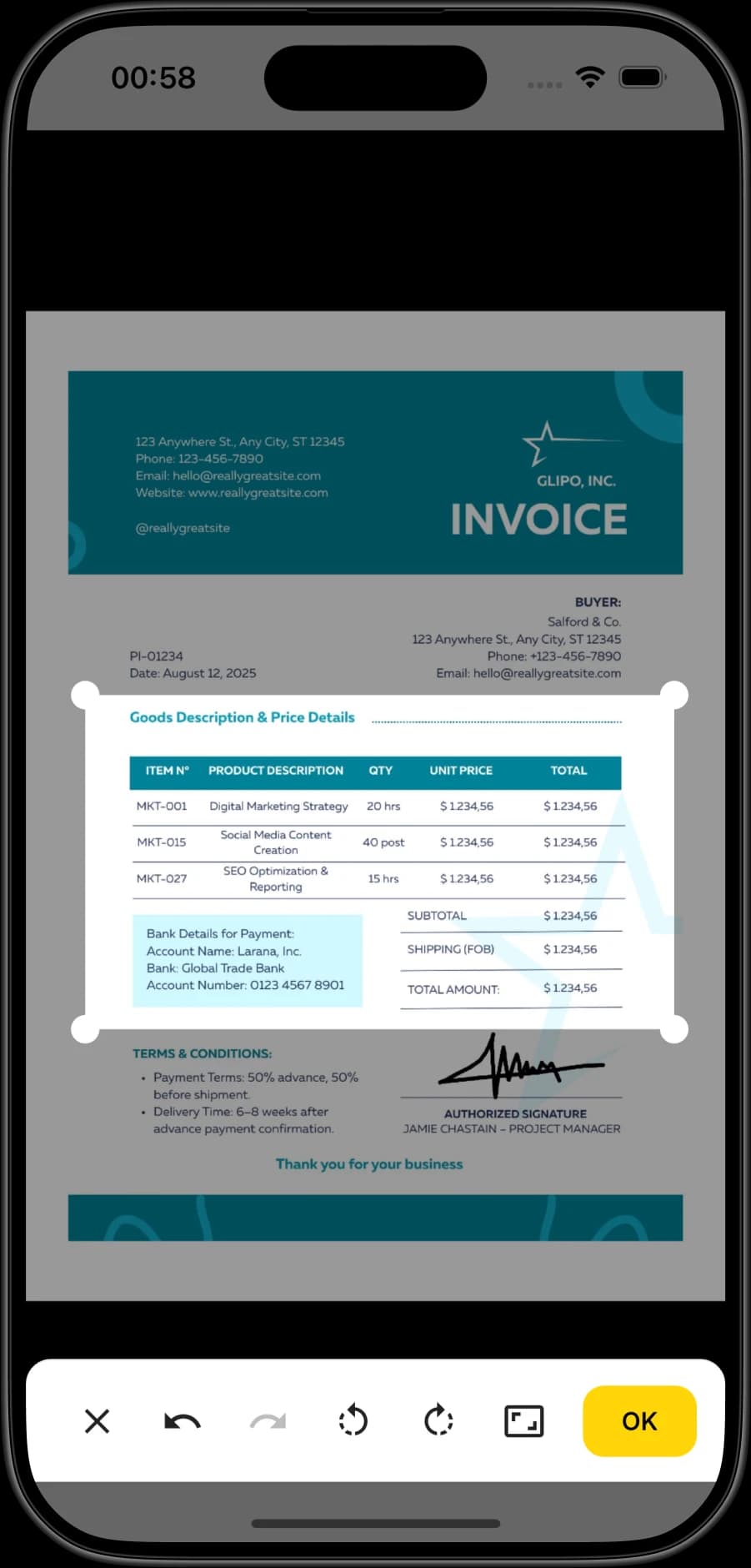
Open the camera, align the page, and the app automatically detects edges. Your scan is cleaned up instantly to look professional — like it came from a real office scanner.
Use OCR to extract and copy text from any scan. Edit and annotate with highlights, drawings, and notes. Or add your e-signature to any document directly in the app.
Export as PDF, JPEG, or PNG and share instantly via email, cloud drives, or messaging apps. Compress files for faster sending or keep original quality for professional use.
Screenshots
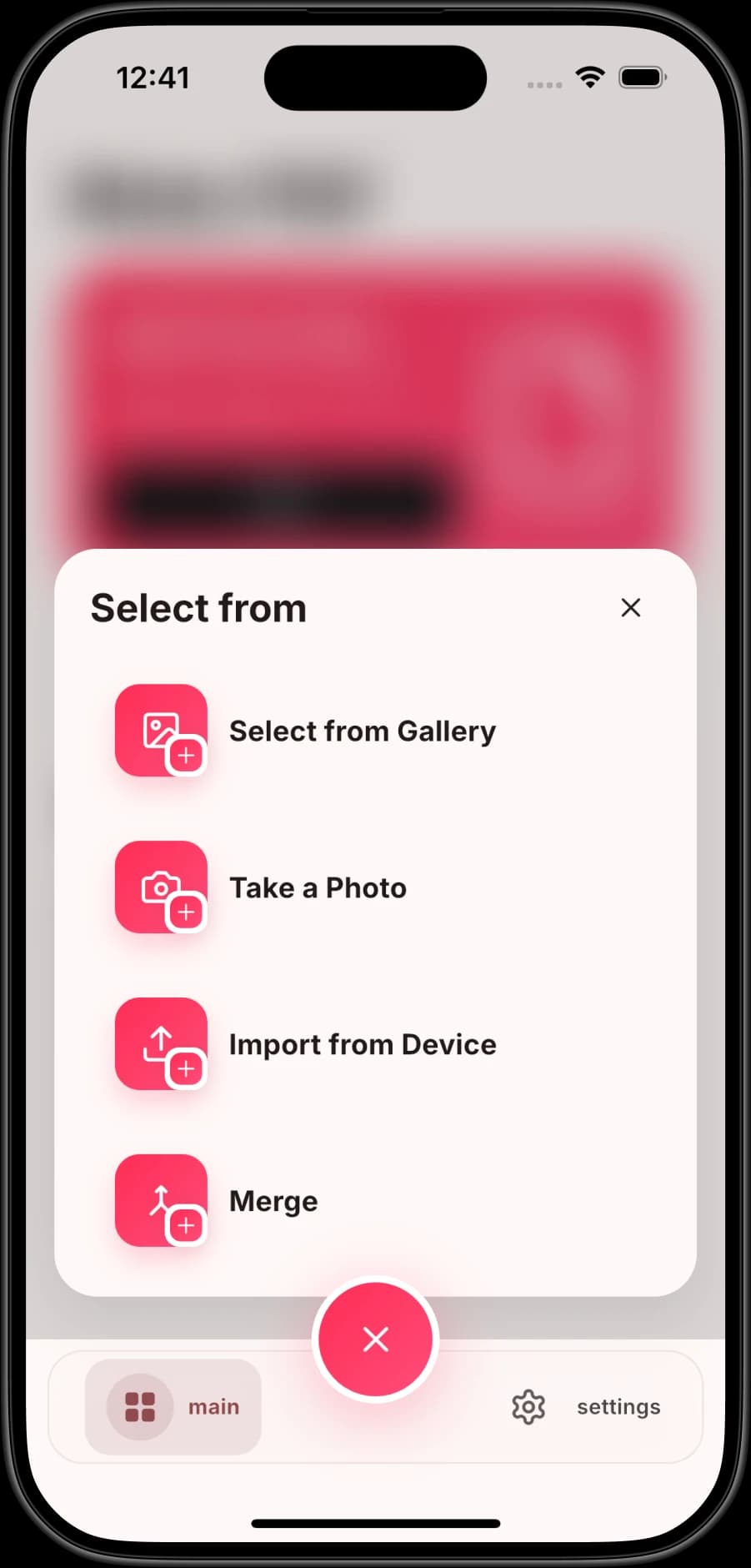
Take a closer look at the PDF Scanner experience across every platform.
Trust and transparency
Use official store listings, clear policies, and direct support instead of unsupported marketing numbers.
Open the linked Apple App Store or Google Play listing to review the current product information before installing.
Review how the app and website handle data and the rules that apply when you use the service.
Contact Glipo for product support or to report a factual error in one of our guides.
FAQ
Everything you need to know before getting started.
Scan, organize, and share documents from your phone. Download PDF Scanner from the official store for your platform.